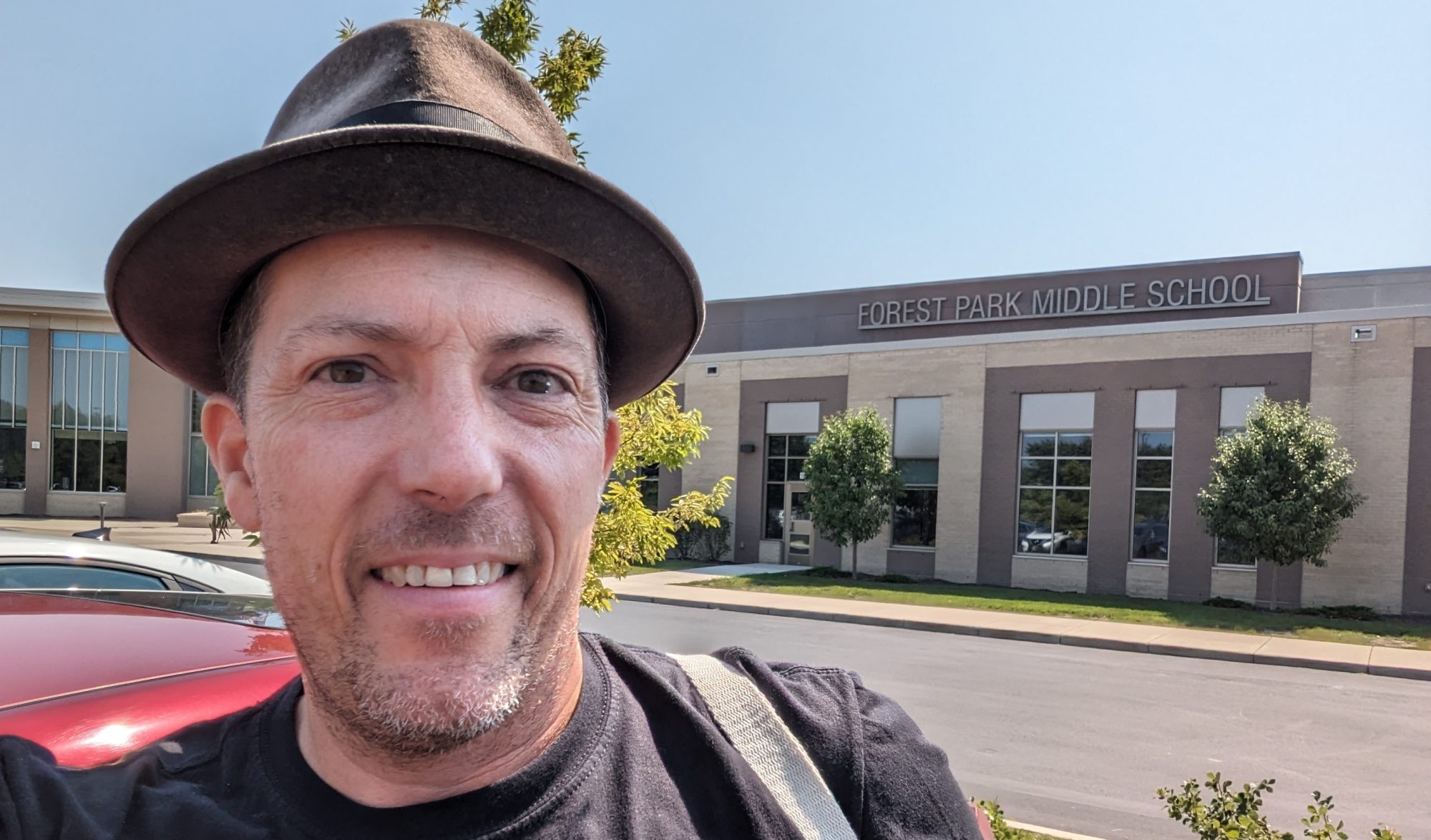
The Weather is There, I wish I were… beautiful…

“Talent may get someone off the starting blocks faster, but without a sense of direction or a goal to strive for, it won’t count for much.”
– David Bayles and Ted Orland
Art and Fear: Observations On the Perils (and Rewards) of Artmaking

Welcome to KorbArtWuhs.WordPress.com… take a walk around, stretch your legs, get a feel for the landscape. Here is where I begin and end all of my classes, while also providing a resource for my students, their parents, as well as teachers and students around the world.

GOAL! Goal… goal… goal… GOOOOOOOOAAAAAAAALLLLLLL! Now… what goals do you have in your mind for the day? Me… stay warm… it is -60 degrees out there today. http://cache2.allpostersimages.com/p/LRG/38/3841/HPJYF00Z/posters/soccer-player-scoring-a-goal.jpg

GOALS:

  1. Know about how one teacher uses daily goal setting and interaction in the classroom.
  2. Know about the use of a website as a communication tool both inside and outside of the classroom.
  3. Know about how using a students prior knowledge can help set the stage for better understanding of the topic at hand.

(Originally Posted: June 26, 2013) Technology in the classroom was my big presentation at this years InterActiv Learning Conference 2013 in Whitewater, WI. My largest concern with the use of today’s technology is the misuse of it. Having had an opportunity to listen to a new Freshman in High School (not mine… well, my kid, but not my district) discuss the use (or in some conversations that stand out – misuse) of important resources such as YouTube and Google it struck me that the conversation of how we use technology in the classroom as a learning TOOL and not as “bells and whistles” to entertain or simply to “connect” with the kids was important.

Technology and Interaction in the Classroom (link to my Google Presentation is HERE) was the presentation I had at the conference and I really wish I had heard Michael Wesch’s 201o Presentation at the University of Denver prior to my presentation. The good news (maybe for me) is that I am working in the direction he speaks about in his lecture (link to his presentation is HERE). To keep this brief (and give you a chance to watch his presentation) I feel the most important part of his lecture was to emphasize that the INFORMATION out there is NOT SCARCE and the student of today has all the access to it, in their pocket! The important thing to keep in mind, and this is a brain shift for all in education (kids, parents, teachers, administrators, school board members… everyone), is that the teachers need to help the kids learn HOW to use the technology to be self directed learners. The kids sure know how to entertain themselves with the internet… but strong learners of Web 2.0 tools they are not.

How can we, as teachers, use the tools that are out there to help the kids LEARN how to LEARN? How do we demonstrate the tricks of the trade, the skills that are essential in the process of learning so that the students we have the privileged to work with, can become more independent learners? One of the tricks of using the technology (information really) that is out there is to make sure we are teaching them how to CONNECT to it and not to simply learn it all for the test. This also ties into the thoughts of Noah Chomsky (HERE for a YouTube video Presented at the Learning Without Frontiers Conference – Jan 25th 2012- London) that the TEST is not a very good demonstration of the knowledge the kids have. Yes, maybe for the day and a few weeks later, but then – POOF – that is gone. How can we, as concerned educators and leaders, help the learners make sure that the information we provide them with connects to the world they are living in? The tools are there, and they will be using them for as long as they live. How can we connect the tools, the information that is available, and the techniques to gather, toss aside, sort, filter, and use that information is through demonstration by example, teaching and reteaching, and reviewing the importance of being aware of how the tools and information is to be used.

Kids Say the Darnedest Things

Knowing that sketchbooks and goals will ALWAYS be part of the courses, what is one suggestion that you have to offer for future classes? What are some suggestions you may have to help the class become even stronger or more fulfilling than it already is? These require explanation please.

  • “Make the goals so that everyone does them and doesn’t slack. It helps my brain learn from the beginning of class and I know it will help others.”
  • “To take the goals and understand them not just write them down.”
  • “The goals were kind of hard to understand when looking back at them. It’s easy to understand when you explain. but the way they are written down is tricky to look back at.”

Are You Setting Goals for the Remainder of Your Summer or the Beginning of the School Year? I am!

Goals Pages… Binders… Interactive Notebooks… Call it what you like, this is the general look of them this year.

I recently received an e-mail regarding the effective use of my Interactive Notebooks (Binders, Goals Pages… whatever the students may want to call them) in my upper level art classes. I am a true believer in setting goals. While my goals for this years Marathon Training never materialized in my calendar (ugh) I firmly believe that the use of the interactive notebook and the written goal is essential in the classroom environment. The use of the interactive notebook is great because it keeps every day in the kids art class  in reach and ready for reflection and self-evaluation. Here are some of my thoughts from that recent e-mail (Thanks Sue-anne, you got me thinking!) The below has been edited for length (you’d never guess though).

“Dear Sue-anne,

It is wonderful to hear from you again and I am happy to put my brain back to use as I think about the use of the interactive notebook, goals, Marzano’s 9 and the school year that is coming upon me quickly.

“Question: “Do you think the format of the left and right side for student notes and teacher notes is essential?”

Short Answer: No
Long Answer: When it really comes to left side / right side of the pages for art design and idea / conceptual development, I have never considered left / right in a sketchbook (interactive notebook) that as something to put into practice. I look at my own sketchbook and think about how I plan my works and the organization is never in that fashion. The ONLY thing I teach and emphasize about the use of the sketchbook page is that only one side of each piece of paper is to be drawn on, marked up, written on in the event that something incredible happens. If the other side of the piece of paper is marked up, both sides will suffer in the end. I do not think that there is a need for the left / right side in this case. As a matter of fact and practice on my end, I do not use that format in any of the classes I teach.
When it comes to the interactive notebook, I use a 3 ring binder that is printed and assembled for the kids each and every day. This binder is the same for all of my classes. The differences are that I include, as the year progresses, supplementary lecture notes / note taking / chapter worksheets for different classes.
When it comes to the student to student feedback, we will often open the sketchbooks (or lay the artworks out) and the students will have about 10 – 15 minutes to walk around the room and write about their responses (positive or negative – no names – yet something substantial that they feel would be of benefit to them) to help the ideas flow, recognize something that the artist didn’t see, help develop the ideas further… I will also walk around and try my hardest to write an idea / though down for each kid. When it comes to teacher notes, I may make a notation or two in the sketchbook itself, but my feedback is generally spoken. I will be using, for my records and formative / summative evaluating, a class roster to carry with me so that, when I make a comment to the kid, I can keep track of who I have spoken to and the general ideas I have shared and then, in the end, if the thoughts were heard and dealt with.
Our daily goals are designed by looking at the US National Visual Arts Standards and the National Educational Technology Standards and then editing them to that days particular task at hand. I have changed the way I have used and written the goals over time and I have also made certain that the GOALS are not the ACTIVITIES for the day. I do list the activities on my daily website and that is more-so for the kids who are missing from class, but they are separated from the overarching goals. By doing it this way, the kids have a larger picture of the particulars that we are going to be working on for that day / period / hour and their minds are activated, turned on to the activity at hand.
The link I have to the National Standards and Technology Standards are even more simplified (unpacked) because the original ones were full of teacher speak that made them harder for the kids to understand… this is easier and the kids can get their heads around it better. In addition to the physical writing of the goals, every day (one or two… no more than that and they may be repeated for a number of days – they still get written down – interacted with) I am going to be encouraging the kids to read the goal I have posted and then rewrite it in their own words so that it makes more sense to them when they reflect later on.
At the END of the hour we take a moment to look back at the goal from the day or the activity of the day and reflect / write our response to the prompt I come up with. “What was the most successful thing that you accomplished with your pastels today?” or “What about the soft pastels gave you the most trouble?” Sometimes they will write their reflections down in their goals pages, sometimes it will be a face to face with their neighbor as I walk around and listen to the conversation, sometimes I will give them a moment to talk or write and then I will call on them for out loud responses or I may give them sticky-notes (post-it notes) and they have to write a response and stick it to the chalkboard before they leave.
I GANAG all of my classes (have for a few years now) and find that it works. It isn’t always the kids favorite thing to do, but they know what to expect and they know how each day begins and end with me. It is a lot of work in the first year or two, but as time has gone by, it has become easier for me and more effective for the kids. Here is a brief (10 minutes or so) look at the beginning and end of my class from a couple of years ago… GANAG Style.
All my best,
Frank”
Congratulations if you got through it all… here is a cookie for you. Comments, questions, thoughts are ALWAYS Welcomed.
A cookie for your efforts!

April 1, 2013 – Monday – April Fools Day…

I am on Spring Break – I hope you enjoy the next week or so without me.

Don’t forget to set some Spring Time Goals of your own… or just take it easy for a bit (there is a goal in itself).

Art Foundations… here is the link to the cityscape in the event you are drawing at home…

Frank

February 22, 2013 – Friday

Technology In-Service Today! Learning a lot about the technology that is out there so that your time in the classroom is stronger.

“It’s hard to pay attention these days because of multiple affects of the information technology nowadays. You tend to develop a faster, speedier mind, but I don’t think it’s necessarily broader or smarter.” – Robert Redford

As an educator and individual who is concerned with Technology and the use of it in our classrooms, society, family, etc… I believe that it is important to stay on top of the technology that is out there. Below are the National Educational Technology Standards that are used in MY classroom and hopefully in all the classrooms in the nation.

National Educational Technology Standards (N.E.T.S.)

National Educational Technology Standards for Students (2007)

  1. Creativity and Innovation – Students demonstrate creative thinking, construct knowledge, and develop innovative products and processes using technology.
  2. Communication and Collaboration – Students use digital media and environments to communicate and work collaboratively, including at a distance, to support individual learning and to the learning of others.
  3. Research and Information Fluency – Students apply digital tools to gather, evaluate, and use information.
  4. Critical Thinking, Problem Solving, and Decision Making – Students use critical thinking skills to plan and conduct research, manage projects, solve problems, and make informed decisions using appropriate digital tools and resources.
  5. Digital Citizenship – Students understand human, cultural, and societal issues related to technology and practice legal and ethical behavior.
  6. Technology Operations and Concepts – Students demonstrate a sound understanding of technology concepts, systems, and operations.

FOLLOW MY SITE – SHARE MY SITE – LET ME KNOW YOUR THOUGHTS ABOUT MY SITE!